
Talk to your set.
Chorus works in chats beside Live or Logic. Ask for a part, a fix or a whole song; it reads what it needs and proposes the change for you to review.
Added ghost snares on the last 16th of beats 2 and 4, pushed every offbeat hat a 64th late and a little softer, and a pickup kick into bar 4. Kick and clap are untouched.
Agent, Plan or Ask. Agent makes changes. Plan designs the change first and waits for you to build it. Ask only answers, so you can talk through a mix without anything moving.
Cycle modes with ⌘.
Roots on the downbeats with the kick, an octave jump into each chord change, and nothing on the clap so it breathes.
It reads before it writes. Tracks, clips, notes, devices and sends, devices inside racks, your Drum Rack's pad names, and which part of each clip actually plays. Every read shows as a step you can open.
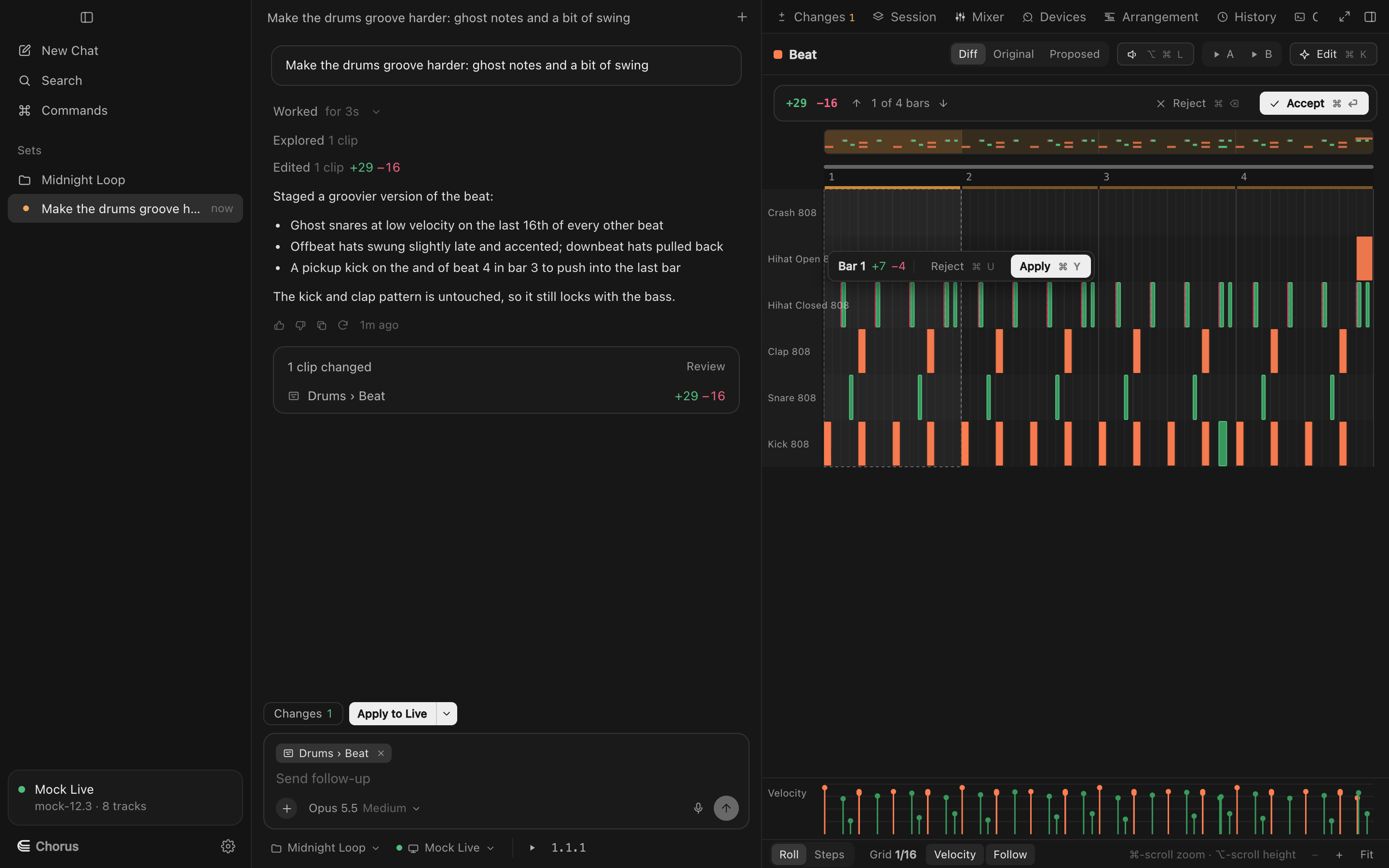
A chat per idea. Chats live with the set they're about and survive a restart. Restore any earlier message to roll pending changes back to that point.
⌘N new chat · ⌘L focus chat · ⌘K edit the open clip
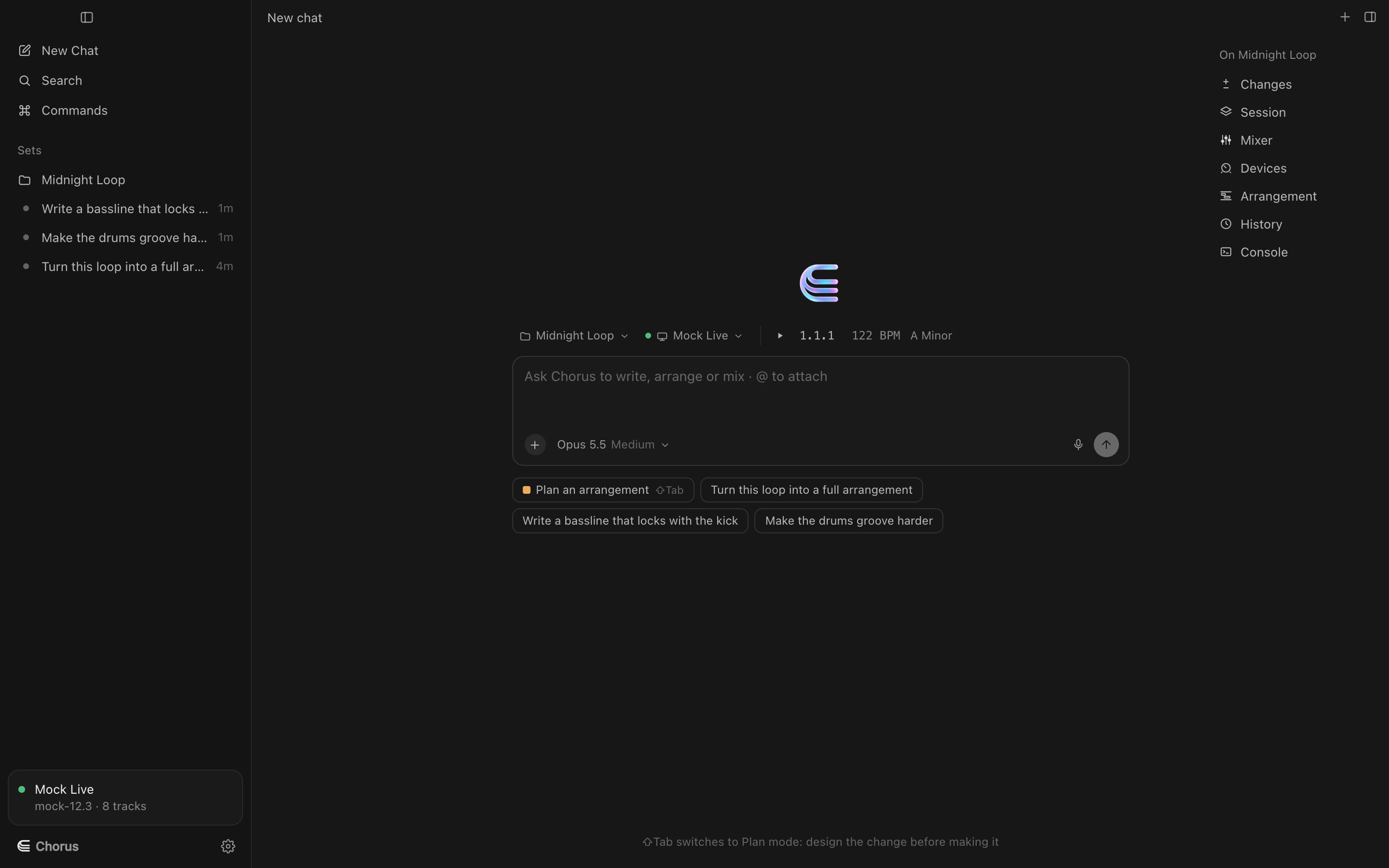
What the agent can do
Write and edit MIDI
New parts, variations, fills, velocity passes. Notes it didn't mean to change keep their exact timing.
Mix and devices
Volumes, pans, sends, returns, master, and any device or plug-in parameter, inside Live's racks too.
Build arrangements
Place scenes and clips into the arrangement, add locators, insert or remove bars, clear ranges.
Tighten audio
Live's audio Quantize and warp settings, or Logic's region Quantize and Flex; transpose and gain in both.
Ask clarifying questions
When a request could go two ways, it asks with answers you can click.
Work to your rules
A producer profile and per-set rules it follows every turn, like "keep the kick pattern".
Voice input
Press ⌘⇧Space and talk; press it again and Chorus transcribes what you said into the composer.
Spend you control
Per-turn and daily caps on AI spend, with each turn's cost shown.
Try Chorus on your next session.
Free to download for macOS, for Ableton Live 12, Logic Pro 12 and FL Studio. Bring your own Anthropic key.